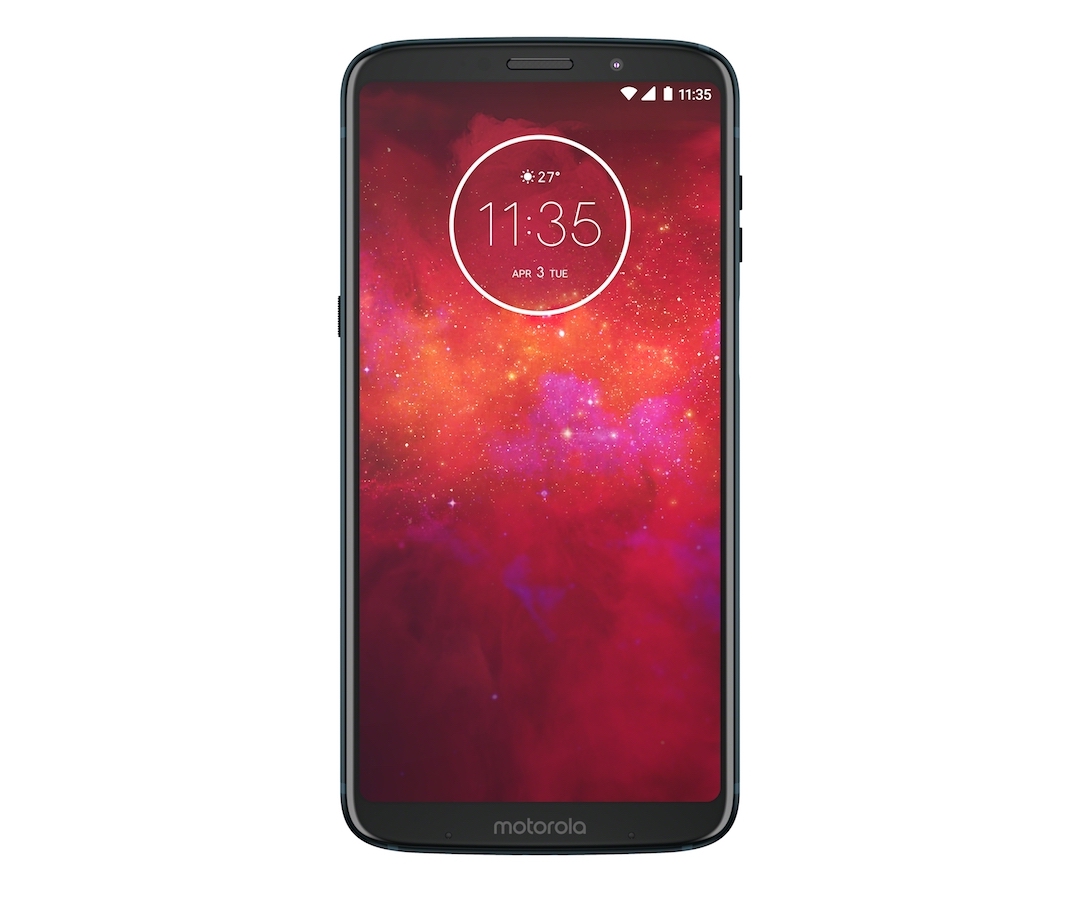
Moto Z3 Play is the new addition to the Z series which comes with Modular technology. The new Moto Z3 Play has a splash-resistant P2i nano-coating and 6000-grade aluminum body. It houses an octa-core Qualcomm Snapdragon 636 processor, Adreno 509 GPU and 4GB of RAM. There is 32GB/64GB of onboard storage which can be expandable up to 256GB via microSD card slot.
Moto Z3 Play features a 6.01-inch full-HD+ Super AMOLED display with 1080×2160 pixel resolution, Corning Gorilla Glass 3 protection and Max Vision 18:9 aspect ratio. It runs on Stock Android 8.1 Oreo and has 3000mAh of battery. The rear panel sports a dual camera setup, 12-MP primary sensor with f/1.7 aperture and 5-MP secondary depth sensor. The front camera is of an 8-MP sensor, f/2.0 aperture, and 84-degree wide lens.
For security, it has Face Unlock and Fingerprint Sensor. The Fingerprint Sensor is placed on the right side of the edge. Moto Z3 Play is a dual SIM smartphone with 4G VoLTE connectivity. Other connectivity options are Wi-Fi 802.11ac, Bluetooth 5.0, GPS/ A-GPS, NFC, and USB Type-C. The smartphone was launched in Brazil at BRL 2,299 (approx. Rs. 40,000). It is expected to launch in India at the end of June.
Moto Z3 Play Specification are
- Processor: 1.8 GHz octa-core Qualcomm Snapdragon 626 SoC
- GPU: Adreno 509
- Display: 6.01-inch IPS 720p FHD+ Super AMOLED display, 18:9 aspect ratio, Max Vision
- RAM: 4GB
- OS: Android 8.1 Oreo
- Storage: 32GB/64GB; expandable micro SD card support up to 356GB
- Camera: Rear camera- 12-MP primary, f/1.7 aperture + 5-MP secondary, LED Flash, PDAF/Front camera- 8-MP, f/2.0 aperture, 84-degree wide lens
- Battery- 4000mAh
- SIM: Dual SIM (nano) + microSD slot
- Speakers: Front port loud speaker
- Connectivity: 4G VoLTE, Wi-Fi 802.11 a/b/g/n, GPS, A-GPS, GLONASS, Bluetooth 5.0, NFC and USB Type-C